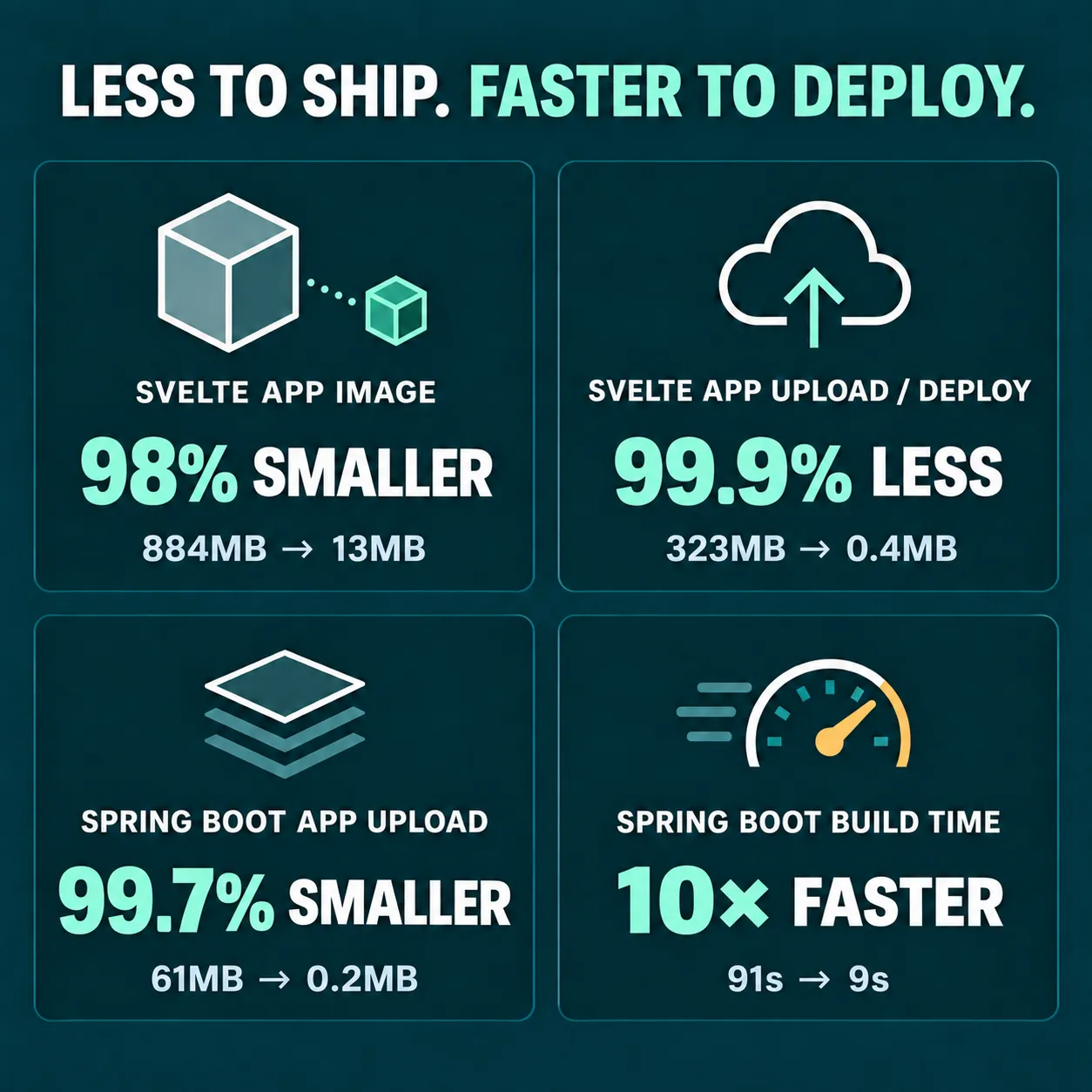
While deploying a customer app this week we noticed it took about 10 minutes to deploy. The changes were out and everything worked. Plenty of apps take that long to update, so it would have been easy to call it normal. But a slow update often means something behind the scenes is doing far more work than it needs to, so I went looking.
Why a slow update matters to a business
The app is a customer relationship management (CRM) app. The client’s staff use it all day to communicate to their customers. When updates are slow and heavy:
- Fixes reach the team later. A small correction that should take seconds sits in a queue.
- People put off small improvements. If every update feels like a big event, the little things that make an app pleasant to use get postponed.
- You pay for waste. Extra data, extra storage and extra memory on the server all add up, and they leave less room for your business to grow on the same hosting.
What we found
We measured everything that happened during an update, and the picture was clear.
Imagine you run a shop, and every time you change one price tag, a removals truck drives your whole shop, shelves, stockroom and all, across town and back. That is roughly what was happening.
- Every update sent 384 MB, about the size of a short video, even for a one-line change. The part that actually changed was tiny.
- The live app was carrying its whole workshop. The tools needed to build the app were being shipped along with it and kept running on the live server, where they weren’t needed.
- Old versions were never cleared out. About 30 previous versions had piled up and filled almost 15 GB of the server’s storage.
None of this was broken, exactly. The app worked. It was just doing a lot of unnecessary heavy lifting for every single update.
What we changed
In plain terms, we did four things:
- Packed only what the app needs. The live version of the app now contains just the finished app and a small, well-known web server. The build tools stay behind in the workshop.
- Separated what changes from what doesn’t. Most of an app is made of trusted building blocks that rarely change. We organised things so those stay put on the server, and an update only sends the parts that are actually new.
- Tidied up the server automatically. After each update, old versions are cleared out, and the three most recent are kept so we can roll back instantly if we ever need to.
- Put sensible limits in place. Each part of the system now has a clear memory limit, so one busy part can’t slow down the others.
The results
| Before | After | |
|---|---|---|
| Data sent with each update | 384 MB | 0.55 MB, smaller than one photo on your phone |
| Time to put an update live | 10-12 minutes | About a minute |
| Memory used by the web app | 124 MB | 3 MB |
| Server storage used by old versions | Almost 15 GB and growing | 6 GB, and stays there |
For the client, that means fixes and improvements reach their staff faster, their existing server has much more room to spare, and small updates are no longer something to put off.
How we made sure nothing broke
Speeding things up is only worth it if the app keeps working exactly as before. So we:
- Tested on a copy of the live system first, never on the real one.
- Ran the full set of automated checks after every change, plus real-world tests: logging in, sending messages, and uploading large files, including several at once.
- Checked that every security setting carried over. When you change how an app is delivered, protections can quietly go missing, so we compared the old and new versions side by side.
- Kept previous versions ready, so going back would take seconds.
- Wrote everything down, with the before and after numbers, so the client can see exactly what changed and why.
Along the way we also spotted a few unrelated things worth improving. We wrote each one up with a clear plan and added them to the client’s list, rather than letting them slip by.
Why we do this
It would have been easy to leave a working app alone. We’d rather notice a small warning sign early than wait for it to become a real problem. Going the extra mile, for us, means looking past “it works” to “it works well”, measuring before we change anything, and explaining what we did in plain English.
If you’re curious about the technical side, I’ve written a detailed deep dive on my personal blog.
Have an app or website that feels slower or heavier than it should? Let’s talk. We’ll take a look and tell you honestly what we find.